FA
FA  EN
EN  FR
FR  ES
ES  JA
JA  KO
KO  PT
PT  ZH
ZH  AR
AR  RU
RU  NL
NL  MS
MS  VI
VI  PH
PH  TH
TH  ID
ID 

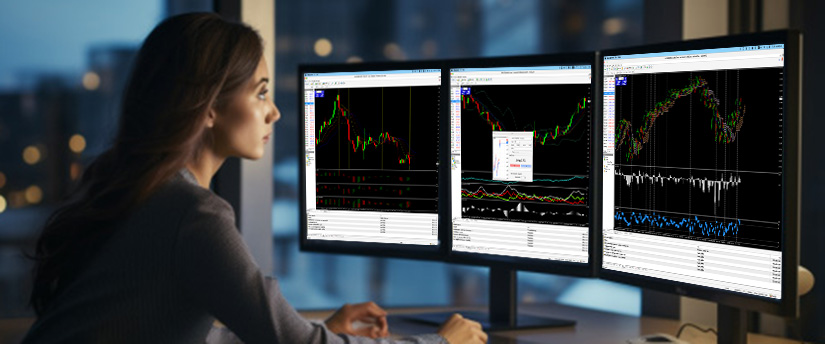
MetaTrader 4, or MT4 is a widely popular trading platform and commonly used among traders to analyse the markets, place trades and manage their positions. One can trade CFDs on فارکس، کالاها، indices, سهام and more. Its main quality making it so well-known among traders of all experience levels worldwide is the fact that it combines simple features, advanced charting tools and various options for automated trading.
Other than mere placement of trades though, the platform provides traders with a complete set of tools including real-time price quotes, charting, technical indicators, order types, automated trading capabilities and risk-management tools, all in one platform.
Which are the main MT4 tools?
Charts & technical indicators
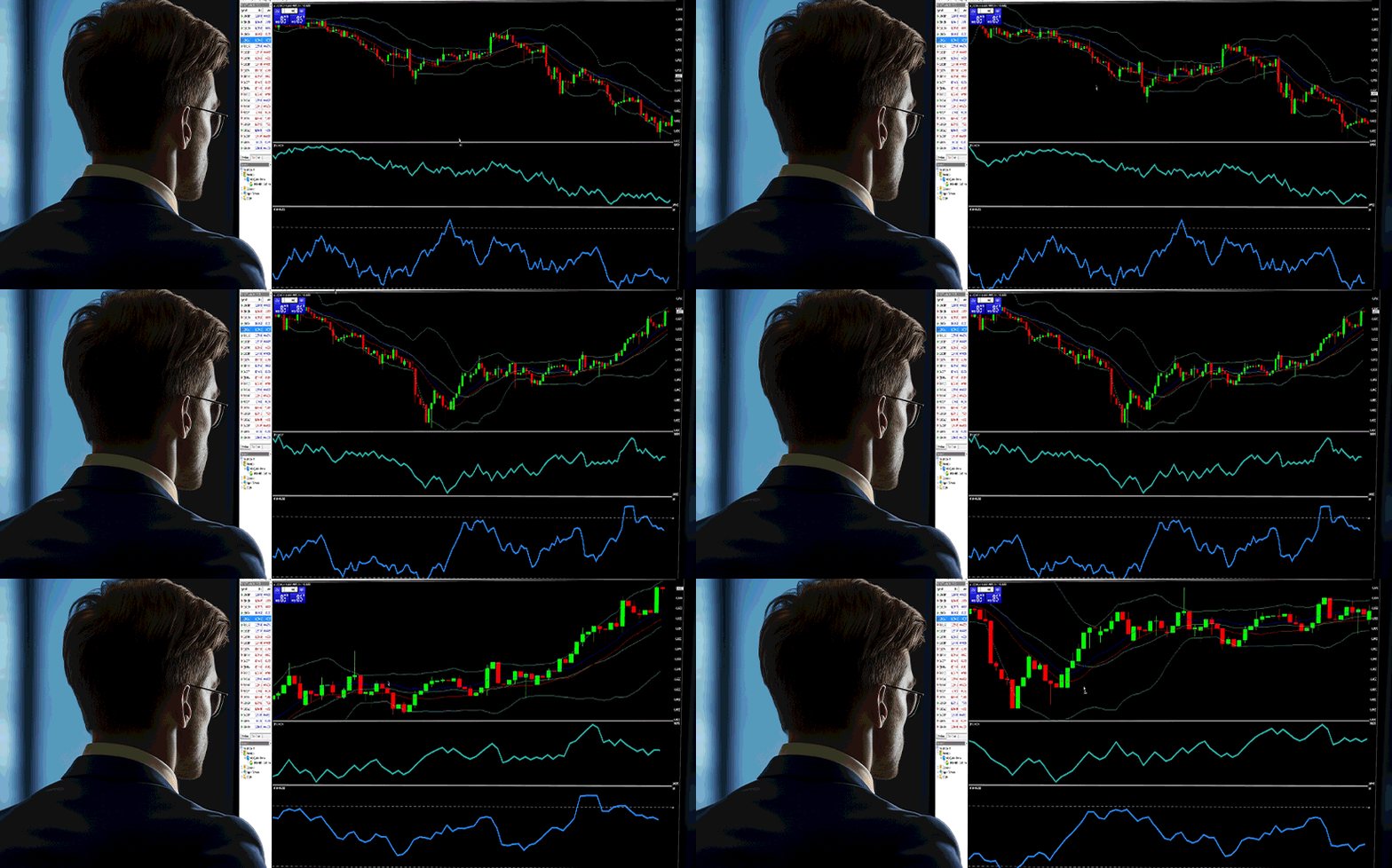
Charts are at the heart of MT4. They help you see all about price movements, identify trends and plan your trades. The platform offers various chart types such as candlestick, bar and line charts. You can view the market in multiple timeframes starting from 1 minute to monthly, making it easy to choose the view what suits your trading style better.
MT4 includes a lot of built-in technical indicators like Moving Averages (MA) that is used to spot trends, the Relative Strength Index (RSI) to identify overbought or oversold conditions, Bollinger Bands to measure volatility and Fibonacci Retracement to find possible support or resistance levels. There’s also the ability to add tailored indicators for more unique tools.
When you use chart types, timeframes and indicators together, the platform enables you to get a better understanding of the market’s direction.
This way, you can spot possible entry and exit points and areas where price may reverse back or break out. When combining these tools, you can build a stronger basis and make more informed trading decisions.
Order types & management of trades
MT4 supports a variety of order types, giving you flexibility in how and when to enter the market. A market order tells the platform to buy or sell something immediately at the best possible price. On the other hand, a pending order only buys and sells when the price hits a level you set in advance.
Market orders happen right away, while pending orders allow you to choose the price, which can be helpful when there is a lot of movement in prices.
There is also the ability to change or close orders yourself by going to “Trade” or “Terminal” window. This helps you adapt fast to unexpected market moves.
Expert Advisors (EAs), scripts & backtesting
One of the most popular and strong features of MetaTrader 4 is its automated trading ability with EAs. These refer to programmes that follow set rules to automatically analyse markets, open trades, set stop-loss and take-profit orders, manage positions and many other things.
EAs remove emotional trading, meaning that instead of making choices based on fear or greed, you follow rules instead. EAs can also run round the clock, even if you are not actually in front of your computer. They also let you backtest, which means you can test a trading strategy using historical market data to see how the strategy might have previously worked without risking real funds.
To use them in the platform, you will first need to put the EA file in the Experts folder and then attach it to a chart and let it help manage trades automatically.
Then you need to restart MT4 for the new EA to appear. Open the Navigator window, locate the EA under “Expert Advisors” and then drag into the chart. You can tailor EA settings based on your preferences, including the size of lot, risk limits etc and enable “AutoTrading” in the toolbar.

Scripts are another MT4 tool which perform one-minute actions like closing all trades or deleting orders. This is very useful for traders who prefer an easier and faster way to manage trades.
Last but not least, backtesting via the Strategy Tester allow you to simulate trades on historical data, to get performance insights and help you refine your strategies before using them in live trading.
Flexible trading anywhere, from any device
MT4 works on any device, desktop, web or mobile, making it simple and flexible to use. But it’s not just an advanced platform. It is also easy to adjust to any trading needs. You can change almost everything to match your trading style and make it easier for you to keep track of the markets. There’s also the ability to open numerous charts simultaneously, ideal for following multiple markets and timeframes.
The platform is available to download across different devices like Windows, Mac, web browser and mobile apps. This allows you to trade and keep ahead of the markets from anywhere you are. MT4 suits traders from all around the globe with its support for multiple languages. Generally, MT4 adjusts to all trading needs irrespective of your trading style.
Tools for tracking prices & managing trades
MT4 has tools that make it easier to keep track of the market such as Market Watch window, that shows live prices for all available instruments. This helps you see how price move in real time. The Trade Terminal, allows you to manage open trades while the Account History section lets you see previous trades to review and learn from them.
You can also set custom alerts that notify you when the price reaches your chosen level. This makes it easier to exploit trading opportunities even during inactive times, when you aren’t in front of your computer. With all these tools, you can stay updated with all important moves and manage your trades more efficiently.
Why are MT4 tools important?
Being one of the most popular and most widely used trading platforms out there, MT4 helps you understand the markets by putting together charts, indicators and timeframes to make sense of trends and price movements. It is possible to trade on your own trends with market and pending orders and manage risk with various tools like stop-losses or trailing stops.
The platform also allows automated trades with EAs and scripts which save time and reduce the need for constant monitoring of the markets. MT4’s accessible on multiple devices and the ability to test your strategies before trading with real money are another 2 reasons why the platform is chosen by both beginners and experienced traders worldwide.
How to use MT4 tools
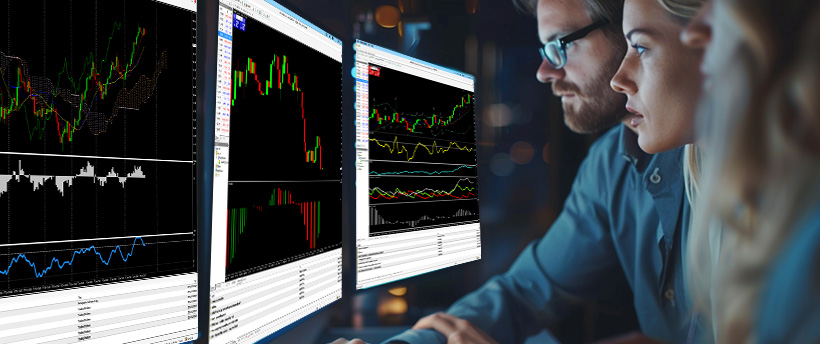
When using MT4 tools, start with the basics and avoid overloading your charts but rather use one or two to keep your analysis clean and easy to read. You can practise on a demo account to get comfortable with all the tools. You can also test an EA on historical data to be sure it reacts the expected way.
Final thoughts
All MT4 tools explained in this article work together to make MT4 a complete trading platform for any skill level. It basically gives traders flexibility, useful tools, accessibility, easy navigation and full control when trading. If you understand these tools, you can start using them wisely. Start simple and your confidence will grow as you go
سلب مسئولیت: این اطلاعات به عنوان مشاوره سرمایه گذاری یا توصیه سرمایه گذاری در نظر گرفته نمی شود ، بلکه در عوض یک ارتباط بازاریابی است. IronFX هیچ گونه مسئولیتی در قبال داده ها یا اطلاعاتی که توسط اشخاص ثالث در این ارتباطات ارجاع و یا پیوند داده شده اند ندارد.